By importing a new form, you can provide direct access to the Best Practice AUDIT-10 form without going throught the Best Practice menu structure.
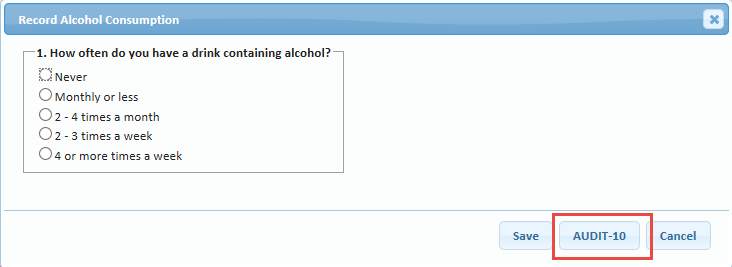
After you've added this form, the alcohol pop-up form in Patient Dashboard will also have an "AUDIT-10" button that provides you with direct access to the AUDIT-10.
To add this form, you need to first download the form - see the attached file at the bottom of this article.
Once you've downloaded the form, you just import it into Medtech or Evolution and you are ready to go.
Medtech32:
Setup > Advanced Forms > Advanced Forms Manager
Advanced Forms > Import Form
"Browse" to locate the file you downloaded
"Validate"
"Import".
Evolution:
File > Options
Advanced Forms > Advanced Forms Manager
Actions > Import Form
"Browse" to locate the file you downloaded
"Validate"
"Import".
0 Comments